
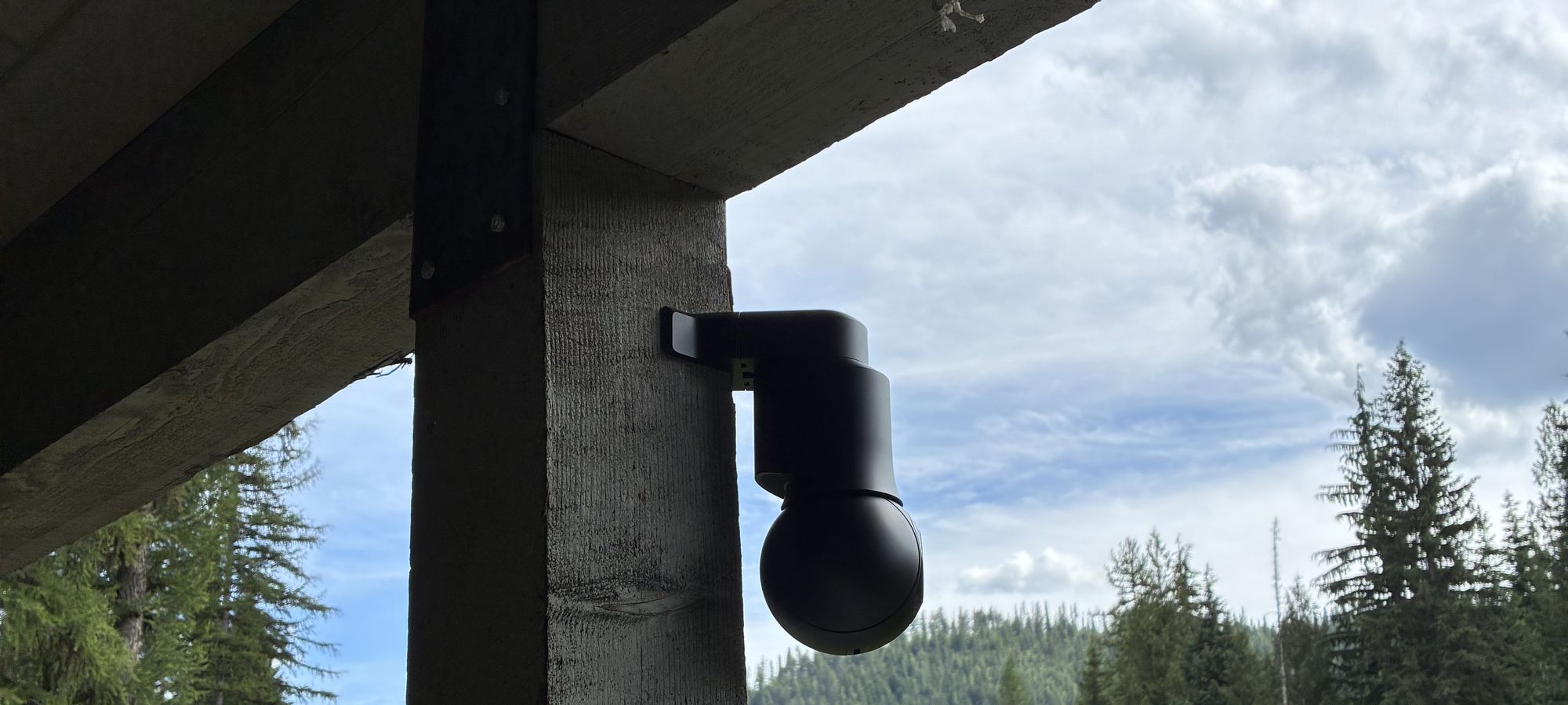
Short answer: both are good camera systems. Ring is quick to set up and works well for a doorbell or a few cameras, and reviewing recorded video takes a Ring subscription. UniFi Protect records to a recorder at the property with no licensing fees, which suits lake homes with docks, driveways, gates, and outbuildings to cover.
How each system stores video
Ring records motion events to the cloud when you have a Ring subscription. Without one, you can view live video and respond to alerts as they happen. Ring also offers local video storage with Ring Edge on supported setups.
UniFi Protect records to a UniFi recorder or console on site, and Ubiquiti describes it as local storage with zero licensing fees. You watch live and recorded video in the UniFi Protect app, at home or away.
Side by side
| Ring | UniFi Protect | |
|---|---|---|
| Where video is stored | In the cloud with a Ring subscription; local storage with Ring Edge on supported setups | On a UniFi recorder at your property |
| Recorded video | A Ring subscription is required to review recorded video | Recorded locally, with zero licensing fees per Ubiquiti |
| Setup | Made for owners to set up themselves | Runs on a UniFi console and network that we plan and install |
| Phone app | Ring app | UniFi Protect app |
| A good fit for | A doorbell or a few cameras | Whole-property coverage: docks, boathouses, driveways, gates, and outbuildings |
What matters at a lake home
- Coverage beyond the front door. Lake properties often need cameras on docks, boathouses, driveways, gates, and outbuildings.
- Internet and power. With any cloud-based camera, saving video depends on the internet connection. Local recording keeps video on site, and power backups keep key equipment running through outages.
- Watching from afar. Seasonal owners want to check live and recorded video from their phones wherever they are.
- Weather. Outdoor cameras and cabling need weatherproof installs.
When each one is a good fit
Ring is a good fit when
- You want a video doorbell or a couple of cameras
- You’re comfortable setting it up yourself
- A cloud subscription for recorded video works for you
UniFi Protect is a good fit when
- You want to cover the whole property, including the dock and outbuildings
- You prefer recording on site with no licensing fees
- You want cameras planned and installed on a reliable network
How Priest Lake Tech helps
We plan and install UniFi Protect cameras and Alarm.com alarm monitoring for homes, cabins, and businesses on both shores of Priest Lake and in Sandpoint, set up remote viewing, and support the system year-round. Security cameras and alarms →
See a real example in our security case study.
A service call is $300 for the first 2 hours. Larger projects get a fixed, bundled quote after a site visit.
Frequently asked questions
Do Ring cameras need a subscription?
Ring devices work without a subscription for live video and real-time alerts. Ring’s support pages say a subscription is required to review recorded video, and recorded events are stored in the cloud.
Does UniFi Protect have a monthly fee?
Ubiquiti describes UniFi Protect recorders as local storage with zero licensing fees. Video records to a recorder at your property, and you watch it in the UniFi Protect app.
Which is better for a cabin I’m away from for months?
For a property with a dock, driveway, and outbuildings that you watch from afar, a UniFi Protect system on a well-built network records on site and covers the whole property. For a doorbell or a couple of cameras, Ring can be a simple fit.
Can you help me use the UniFi Protect app?
Yes. Our step-by-step UniFi Protect app guide covers signing in, watching live, playback, and alerts, and you can call 208-219-5040 any time.
Sources
Related
Plan your camera system
Local service, done right. Call or request a site visit and we’ll take it from there.